

AI for FMCG & Consumer brands
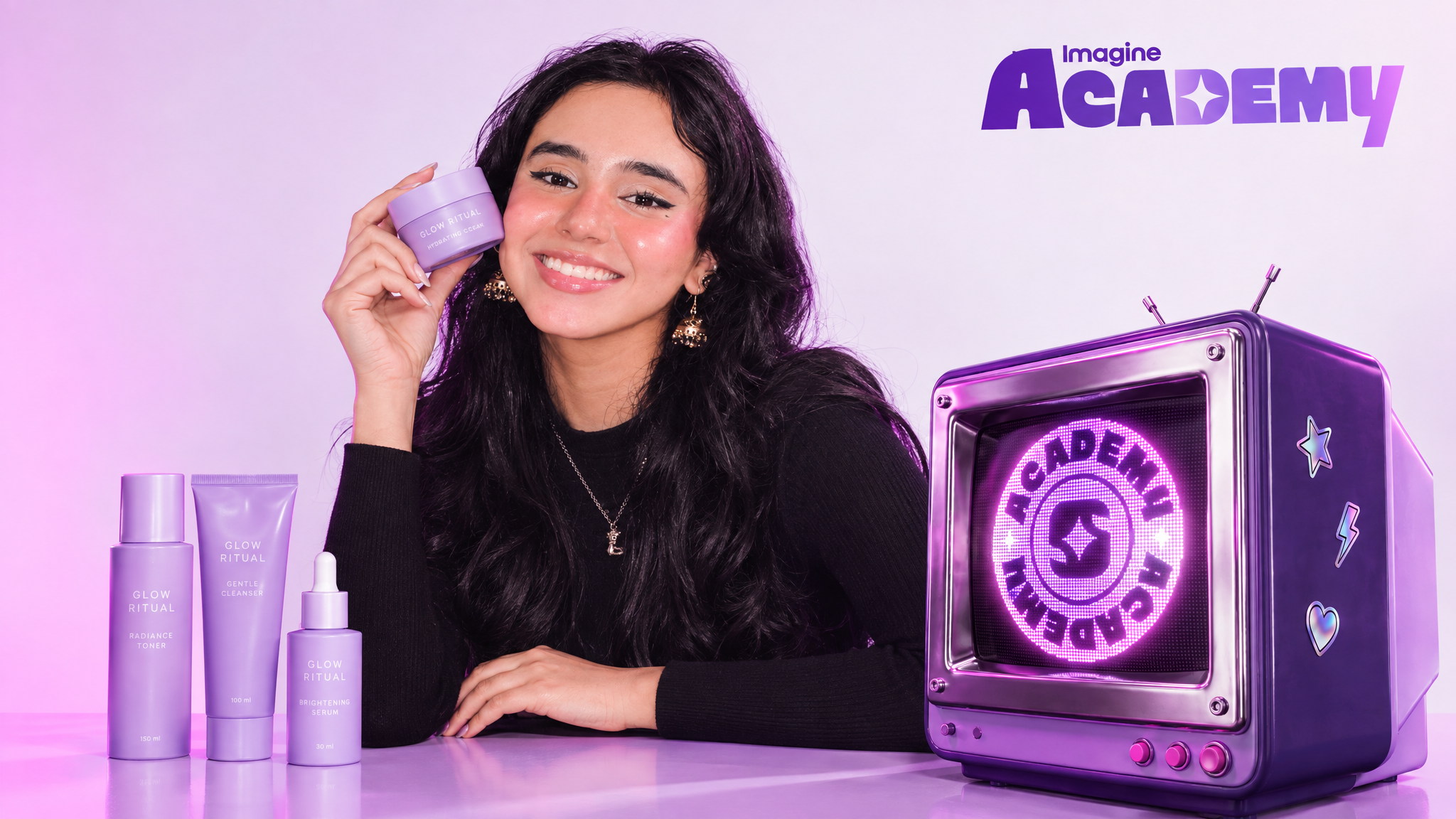
Learn to build end-to-end AI creative workflows for FMCG and consumer brands—from product imagery and static visuals to videos, marketing assets, and long-form content. Master ImagineArt’s workflows and AD Studio to create consistent, high-quality brand assets at scale, from concept to campaign-ready execution.
- Seher EhsenForward Deployed Creative
2 modules · 9 lessons
What's inside
Free to browse. Sign in to play a lesson.
Lesson 1From One Product Shot to a Visual Asset Bank
Learn how to build a basic image-to-image pipeline in ImagineArt to generate a full bank of on-brand product visuals at scale. This lesson walks through connecting the Copilot node to an image node, setting model and output properties, and running multiple generations from a single prompt.
Open this lessonLesson 2Generating Studio-Quality Hero Shots
Learn how to use ImagineArt's Agent mode to auto-generate prompts from a reference image and instructions, then feed that prompt into an image-to-image pipeline to produce studio-quality hero image candidates — no physical photoshoot required. This lesson builds on the core Copilot + image node workflow, showing a faster route to a polished hero shot.
Open this lessonLesson 3UGC Style Photography Workflow
Learn how to build a workflow specifically for UGC-style and lifestyle product images in ImagineArt. This lesson covers developing a UGC-specific system prompt with Agent mode, wiring it into a Copilot + image node pipeline, and generating model-posed product shots at scale.
Open this lessonLesson 4Using Workflows to Generate CGI Assets
Learn how to build a workflow specifically for CGI-style product assets in ImagineArt. This lesson follows the same workflow structure used for product photography and UGC assets, adapting the system prompt via the in-built Agent mode to produce CGI-style renders.
Open this lessonLesson 5Precision Edits: Refining Your Product Images
Learn how to iterate on existing static images in ImagineArt by isolating a single property to change — color, lighting, environment, or texture — while keeping everything else in the image constant. This lesson shows how precise prompting and constraints let you fine-tune generations instead of regenerating from scratch.
Open this lessonLesson 6The Scalable Workflow: Generate a 100+ Assets at Once
Learn how to scale your image Workflow to generate an entire visual asset bank at once, using the Split Text node to feed multiple AI-generated prompts into duplicated Copilot + image node chains. This lesson ties together system prompt creation, Agent mode prompting, and batch generation into a single end-to-end Workflow.
Open this lessonLesson 1Image-to-Video Basics for Product Videos
Learn how to build a basic image-to-video Workflow in ImagineArt to animate existing product images into motion reels. This lesson covers connecting the Copilot node to a video node, choosing a video model and settings, and generating multiple animated variations from a single prompt.
Open this lessonLesson 2Editing Product Videos Using Video-Editing Models
Learn how to edit and iterate on existing product videos using a video-to-video Workflow in ImagineArt. This lesson covers setting up a video editing model, describing a targeted change through the Copilot node, and generating multiple edited variations of a motion reel.
Open this lessonLesson 3Scalable Workflows using Batch Video Generation
Learn how to generate an entire video asset bank at scale in ImagineArt, using the in-built Agent to develop a consistent system prompt and unique video prompts from reference videos, then routing them through a Split Text node into duplicated Copilot + video node pairs for a single batch run.
Open this lessonYour portfolio, reviewed
Pass every module, then submit a short portfolio of real work made with what you learned. A reviewer approves it, and that earns the course certificate.