

AI for FMCG & CPG
One complete product launch: hero imagery, packaging variants, lifestyle scenes, the launch ad and a repeatable pipeline for every SKU after.
The flagship course for consumer-goods teams. In one module you run a full product launch inside ImagineArt: map the asset kit, build hero imagery with Seedream, spin packaging and shelf variants in Edit, cast consistent talent for lifestyle scenes, cut the launch spot with Ad Studio and Veo/Kling, then freeze the whole thing into a Workflows pipeline the next SKU can reuse.
1 module · 7 lessons · 1 ImagineLive session

What's inside
Free to browse. Sign in to play a lesson.
The AI Product Launch
A launch kit built end to end: the brief, hero product imagery, packaging variants, lifestyle scenes, the ad, the launch film, and the pipeline that repeats it.
Lesson 1The launch brief12m
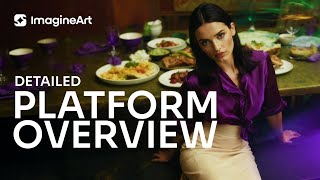
Map the full asset kit before generating: every channel, every format, every deadline, on one page.
Open this lessonLesson 2Hero product imagery with Seedream7m
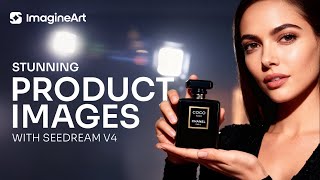
The Seedream workflow for packaging-true hero shots: reference truth in, catalog-grade angle sets out.
Open this lessonLesson 3Packaging and shelf variants in Edit7m
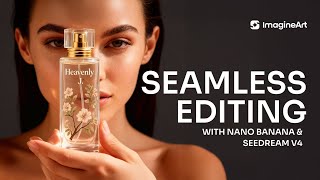
Flavor lines, seasonal skins and shelf rows without a reshoot: masks and Magic Text instead of regeneration roulette.
Open this lessonLesson 4Lifestyle scenes with consistent talent11m
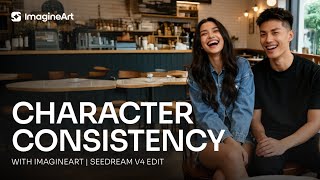
Real people, same faces, product in hand: Nano Banana identity preservation applied to consumer-goods lifestyle imagery.
Open this lessonLesson 5URL to Ad: the launch spot in minutes5m
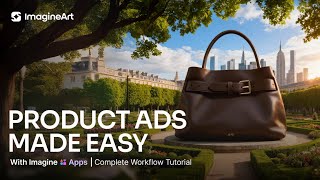
Ad Studio’s URL-to-Ad, Motion Design and Ad Reference: from product page to a tested set of launch ads.
Open this lessonLesson 6The launch film with Veo and Kling10m
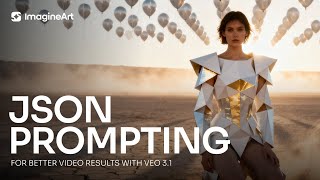
A 15–30 second launch spot, prompted shot by shot with structured JSON and assembled from chained clips.
Open this lessonLesson 7The launch pipeline in Workflows13m
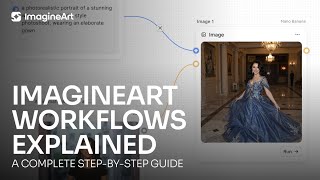
Freeze the whole launch into a node graph: next quarter’s SKU reruns the entire kit from one new reference photo.
Open this lesson